Pool Robot Accessories: Buy the Parts That Solve a Real Problem
Choose compatible filters, retrieval tools, caddies, covers, and replacement parts using exact model documentation rather than appearance.

The best accessory fixes a real annoyance and is documented for your exact robot. Check compatibility and the job first, comfort and cost after. That's why this guide asks questions before it hands you a shopping list: filters, chargers and retrieval gear differ from one model to the next.
Affiliate disclosureAs an Amazon Associate we earn from qualifying purchases made through links on this page. Commissions never change our ratings.
Build a model and part record
Short answer The best pool robot accessory solves a specific ownership problem and is documented for your exact cleaner.
Find the model identifier, serial number, and manual before browsing accessories. Photograph the labels and the existing part where practical. Identify whether you need a complete assembly or one component. A listing for a basket, panel, frame, or insert may look related while supplying a different item from the one your cleaner requires.
Save the manufacturer compatibility statement and check every suffix or generation listed. If the documentation is ambiguous, ask support to identify the part. Do not let a broad universal description override a missing model match. Keep seller terms separate from technical compatibility; an attractive return policy does not make an incorrect part suitable to operate.
Put replacement filters ahead of speculative upgrades
- A filter purchase should respond to actual debris, damage, or a documented alternate use.
- Check whether the supplied assembly already meets your needs.
- If you are comparing another approved option, read the maintenance instructions and identify what is included.
- Do not assume a smaller advertised particle figure establishes better performance in every situation.
Our filter buying guide provides the full checklist. Maytronics notes that ultra-fine filters may remain obstructed by fine particles even when they look clean.[5] That makes proper inspection and cleaning relevant before buying. It does not justify adding unapproved layers of material or modifying a basket to fit a generic replacement.
Evaluate retrieval tools against your deck
Describe the retrieval problem first. Is the normal pickup point difficult to reach, is a required pole missing, or is lifting uncomfortable? Check what the cleaner manual permits and which tool is included. Assess the complete action from stable footing on deck to setting the drained cleaner down.
The LIBERTY manual documents a grab-hook method and distinguishes model-specific pickup features.[1] That is an example of why a retrieval accessory must match the machine and procedure. Do not attach a generic hook to an arbitrary grille or moving component. If the documented method does not fit your physical needs or pool layout, ask the manufacturer for an approved alternative.
Choose a caddy or organizer for a measured space
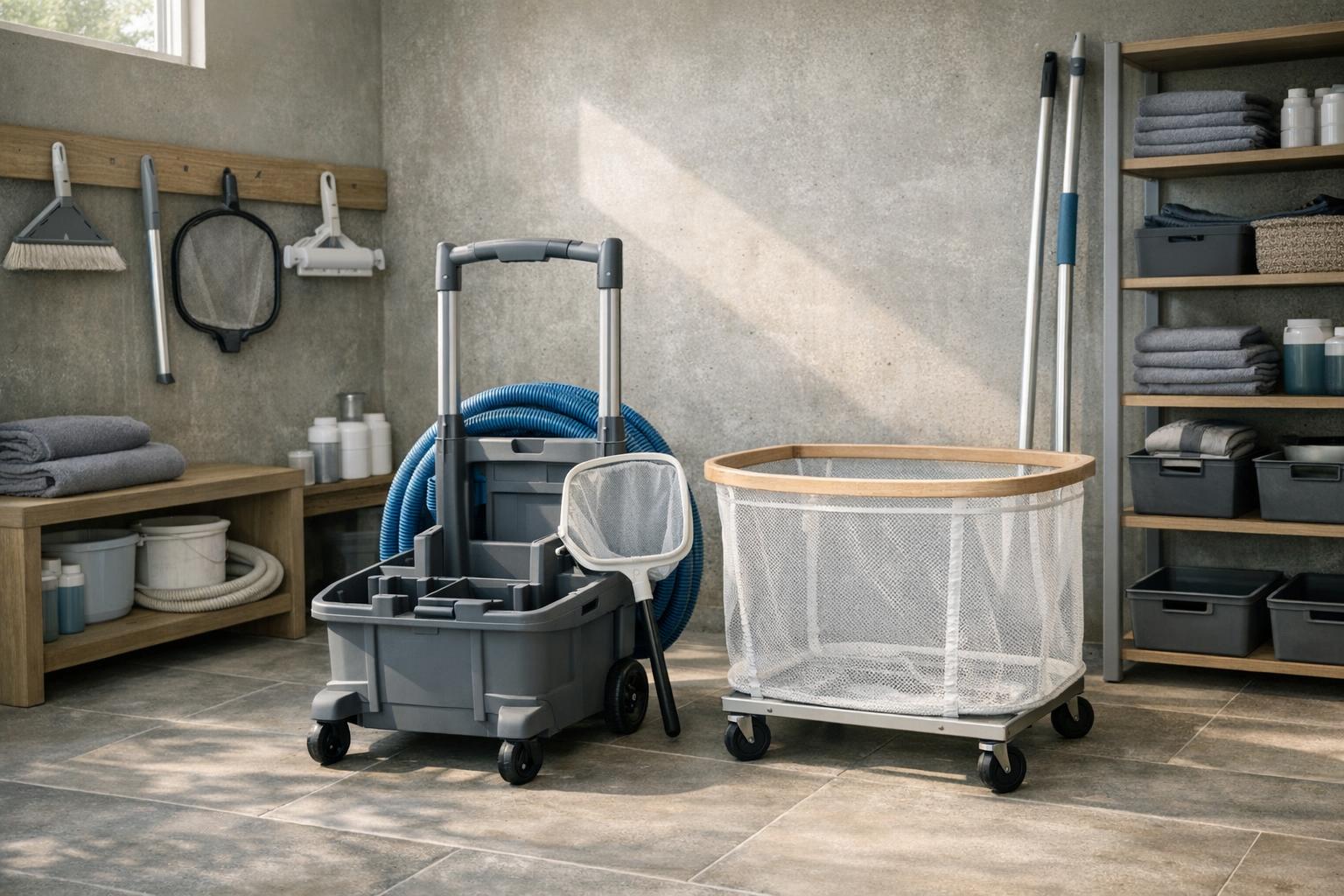
Measure the storage location, doorway, and route from the pool. Consider whether a loaded caddy can be maneuvered without lifting it over steps or blocking a gate. Check the supported cleaner models and how the power unit or charger is secured. A photo of a neat setup does not establish stable support for your equipment.
Maytronics recommends shaded caddy storage and careful cable wrapping for Dolphin equipment.[3] Read our cable care guide before selecting an organizer. Do not assume every reel provides the bend arrangement your cable needs. Choose a cover only when it is compatible with the manufacturer storage and ventilation requirements, rather than treating fabric as permission to leave equipment anywhere.
Treat charging parts as exact replacements
Record the original charger and any dock identifier, then verify the approved replacement through the manufacturer. Do not choose by connector shape alone. If charging has become unreliable, troubleshoot with support before buying; a new adapter may not address a fault in the robot or connection.
Aiper requires genuine charging equipment for the Scuba S1.[8] Apply the relevant instructions to your own model and use our charging setup guide to assess the location. Keep spare adapters labeled and avoid mixing them with unrelated equipment. Do not modify a connector, splice a charging lead, or improvise a charging system to use an otherwise incompatible accessory.
Approve each purchase with a simple check
Write one sentence naming the problem, the exact part proposed, the compatibility evidence, and the expected practical benefit. For example, replacing a documented damaged filter is a concrete purchase; buying several unrelated upgrades because cleaning seems disappointing is not. If you cannot identify the problem, gather observations before ordering.
On arrival, compare the identifier, included components, and condition with the order and manual. Follow the installation instructions without forcing parts into place. Save the packaging and purchase record while evaluating the result under the seller terms. Record what changed, but do not call an accessory a performance upgrade unless you have a fair basis for that conclusion. Useful ownership equipment should make a supported routine easier to maintain.
Set a small accessory budget after identifying required items, rather than filling it first and looking for reasons to spend. Keep optional conveniences on a separate list until several ordinary cleaning sessions reveal a need. For each later purchase, save the part number and the problem it addressed. That record helps distinguish an accessory worth replacing from one that was bought enthusiastically but never became part of the normal maintenance routine.
| Topic | What this guide says |
|---|---|
| Build a model and part record | Photograph the labels and the existing part where practical. |
| Put replacement filters ahead of speculative upgrades | Check whether the supplied assembly already meets your needs. |
| Evaluate retrieval tools against your deck | Describe the retrieval problem first. |
| Treat charging parts as exact replacements | Do not choose by connector shape alone. |
Our rated picks
Done reading and ready to look at real robots? These are the three best-rated picks of our dolphin accessories ranking, scored on buyer ratings, review volume and specs.


Product images: Amazon listings
Sources and further reading
- Dolphin LIBERTY 100 / 200 / 300 / 400 User Instructions
- Maytronics: How do I properly store my Dolphin?
- Maytronics: How do I clean my Dolphin filters?
- Aiper Scuba S1 Battery Care and Long-Term Storage