A robot coverage claim is a starting point for checking compatibility, not a map of what will happen in your pool. Length and area matter, but so do transitions, obstructions, and the surfaces you expect to clean. Build a simple pool map and use it to evaluate the exact cleaner.
Draw a usable map
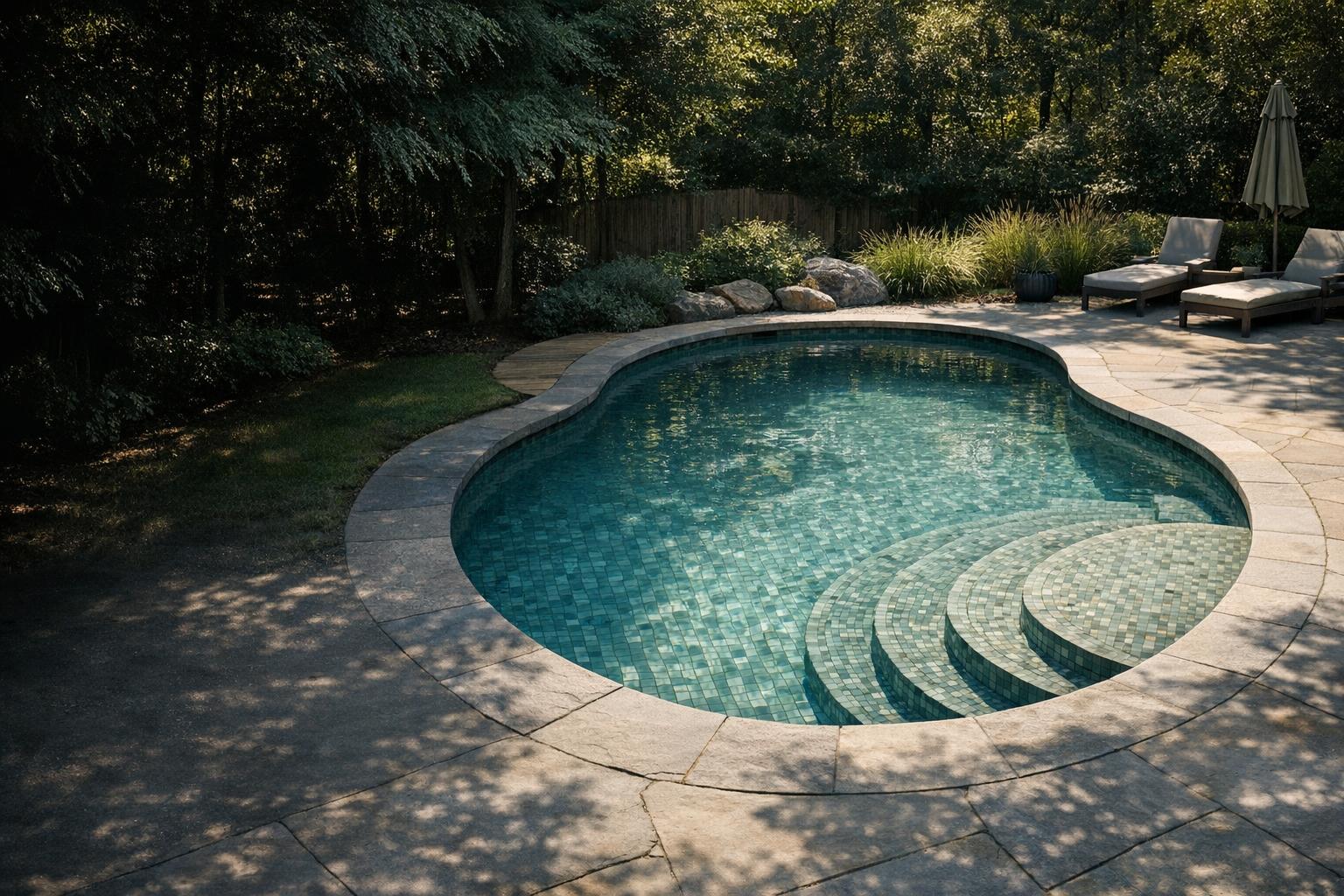
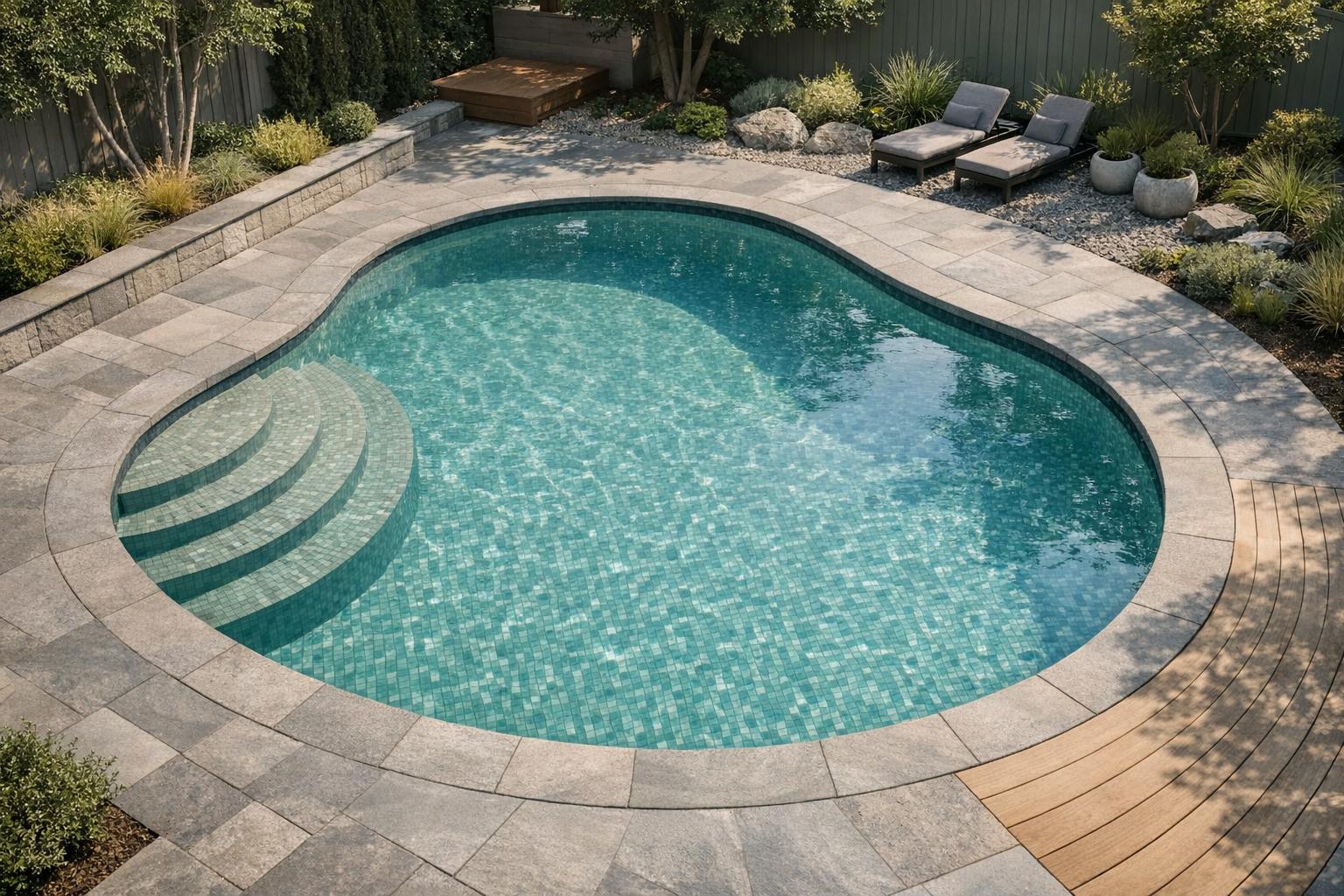
Sketch the pool from above and add a rough side view. Label the shallow floor, deep floor, connecting slope, steps, benches, tanning shelf, and any separate spa. Mark ladders, rails, drains, and movable items. Precise architectural drafting is unnecessary; the purpose is to expose the places a broad rectangular measurement misses.
Add dimensions where you can measure safely without entering an unsafe pool or modifying equipment. Use existing builder drawings for inaccessible details and label estimates honestly. Give each zone a name, such as deep-end corner or shallow bench. Those names will later make a support conversation much clearer than saying the robot misses everything.
Turn the map into compatibility questions
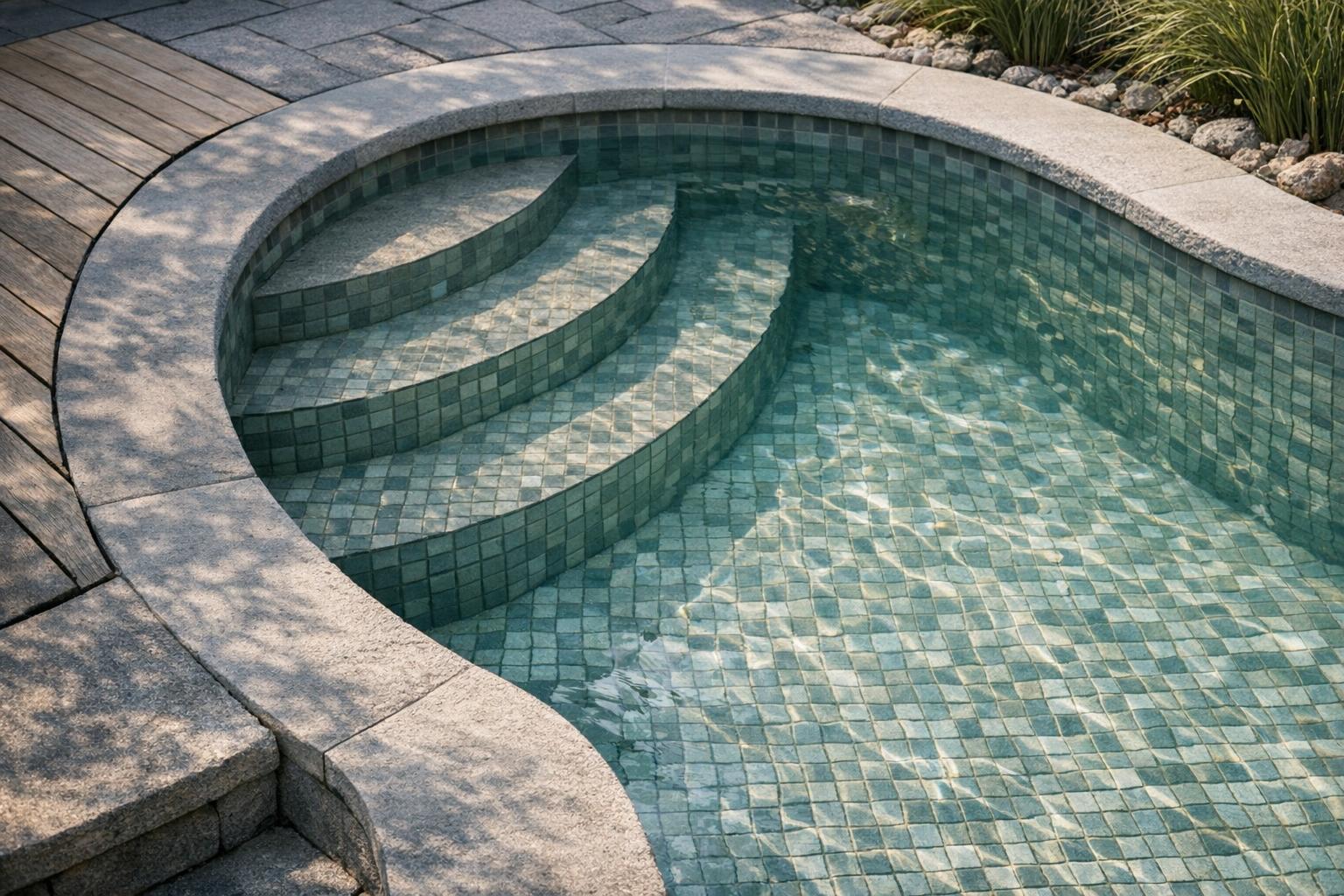
Send the manufacturer your finish, dimensions, and unusual transitions. Ask separately about floor travel, wall climbing, step access, and shelf coverage. Request confirmation for the exact model and revision. If support cannot confirm a difficult feature, leave it unresolved in your buying comparison instead of converting a general marketing statement into an assurance.
The robot buying guide helps make that uncertainty visible. Decide in advance whether manually brushing one bench is acceptable. A cleaner can be useful even if it does not handle every feature, but that limitation should be an informed tradeoff rather than a surprise after purchase.
Establish a controlled first assessment
Choose a normal maintenance day and document the starting condition with photographs. Set the documented cleaning mode and begin at the recommended entry location. Keep people out of the pool during operation; both retrieved Maytronics manuals state that swimmers must not share the pool with the working cleaner.[1][2]
Observe from a safe position on deck. Let the selected cycle finish unless there is a safety issue or a manual-directed reason to stop. Early movements are not the same as final coverage. Record where debris remains afterward, not only where you remember seeing the robot. A short observation can easily miss a later pass.
Separate reach from cleaning performance
Use two questions for each zone: did the cleaner reach it, and did it leave the surface acceptably clean? A visited area with remaining grit raises a different question from a shelf the robot never entered. Photograph both results. Also note whether the filter was full, whether the cycle ended normally, and whether the selected mode included that surface.
Maytronics wall guidance recommends checking mode selection and sufficient cable when climbing disappoints.[7] Treat those as model-specific checks before assuming the geometry is impossible. For the upper edge in particular, our waterline guide explains why climbing a wall and cleaning along it should be evaluated separately.
Change one variable at a time
If the manual permits a different entry point or cleaning mode, change only that item for the next comparable session. Keep a brief record of the date, starting debris, mode, placement, and result. Avoid changing brushes, filters, settings, and launch position together; even a better outcome would then be hard to explain.
Do not remove a drain cover, alter a safety fitting, or improvise weights to help the cleaner cross an obstacle. Ask the pool builder or manufacturer about a genuine obstruction. If the robot repeatedly stalls at the same feature, capture a short video from deck and stop treating repeated identical cycles as useful new evidence.
Decide what remains manual
After your assessment, mark each zone as reliably handled, sometimes handled, or still manual. This is your own observation of one setup, not a universal product score. Consider how often the remaining work occurs and whether it is acceptable for the price and effort involved. A narrow missed ledge and an untouched deep floor are different compromises.
Use the troubleshooting workflow when coverage changes after previously successful use. For a new purchase, share the map and evidence with support while relevant return terms still apply. Do not promise yourself that an undocumented firmware update or accessory will solve a structural mismatch. Buy for demonstrated compatibility and confirmed capabilities you can use now.
Keep your coverage map with the robot documentation rather than discarding it after purchase. If the pool later receives a different ladder, rail, cover arrangement, or surface repair, update the drawing and note the date. That history gives you a way to compare behavior before and after a physical change. It also prevents an old support answer about the original layout from being treated as confirmation for a newly modified pool.